
How It Works
From the dispatch center to the right bunk, in seconds.
The moment a call is dispatched, TymbreIQ alerts only the rooms that need to know, coordinates the whole station for a fast departure, then returns everyone else to rest.
The alert path
Four stages, fully automatic.
Dispatch reaches the station
TymbreIQ receives alert data directly from your existing CAD system (Motorola, Tyler New World, Hexagon and others), a dispatch distribution platform (Prism-IPX, Locution, etc.) or a wireless broadcast (P25, POCSAG, FLEX, etc.). TymbreIQ can also work alongside an existing station alerting or alert distribution system already in use to enhance the in-station functionality.
Only the assigned crew is notified
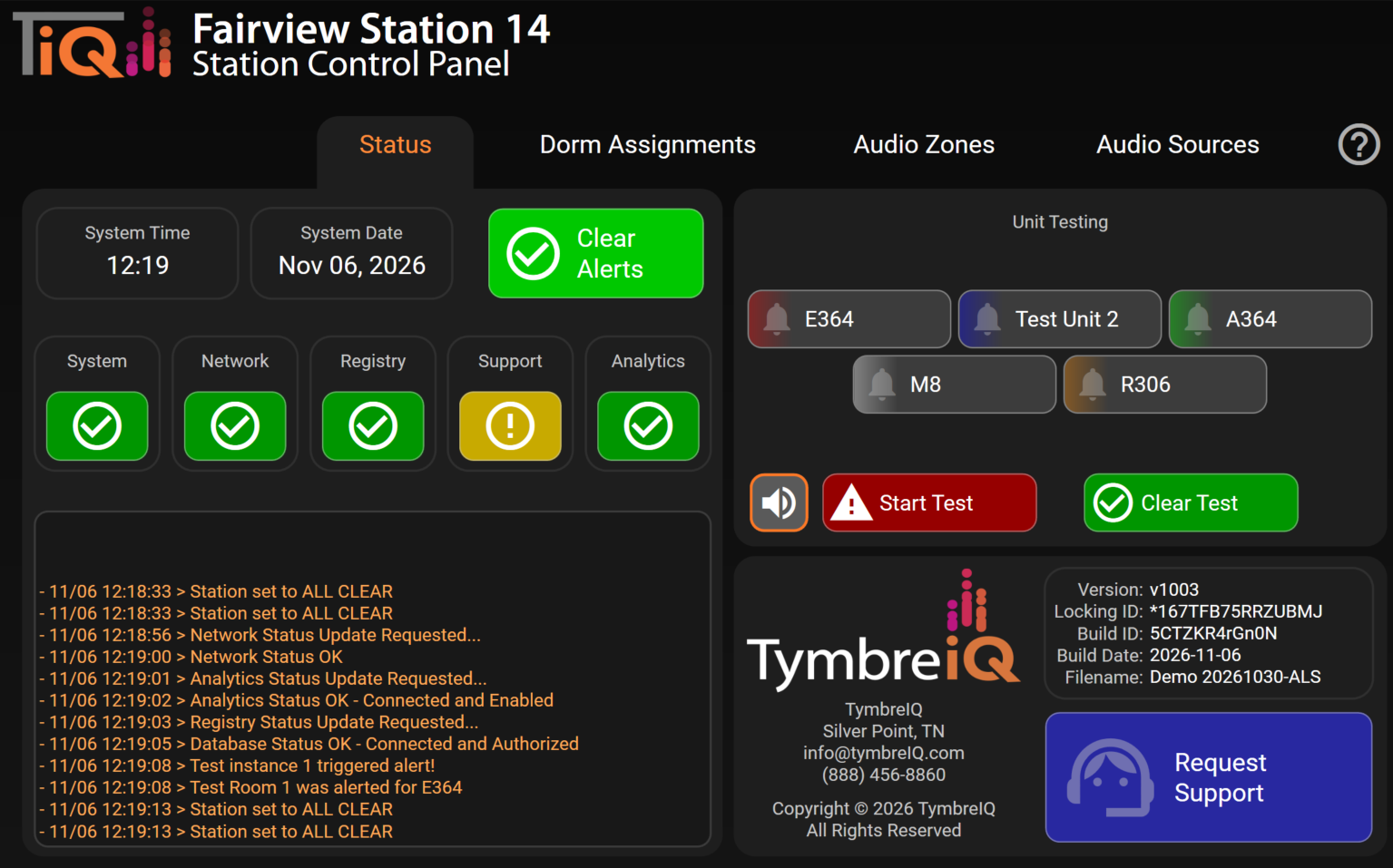
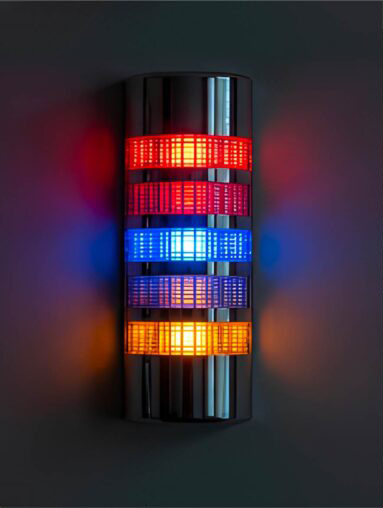
Using the apparatus assignments logged at shift check-in, visual and audio alerts go to all common areas and only to the bunk rooms where dispatched personnel are located. Unit color-coded visual indicator lights (VILs) throughout the station show which apparatus is dispatched so crew in the kitchen, dayroom, gym or shower know instantly at a glance. Every other bunk room stays dark and silent.
The station prepares itself
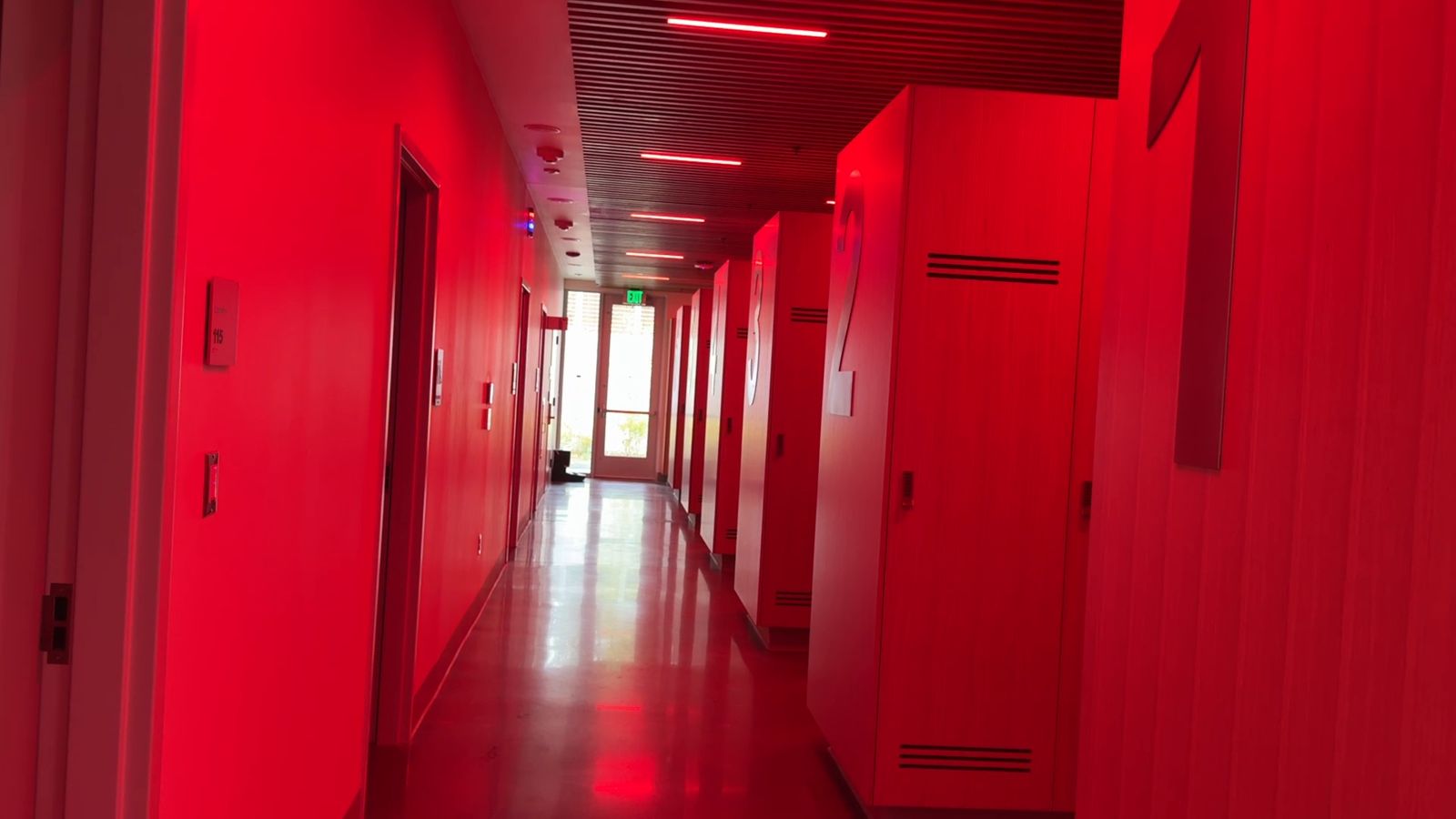
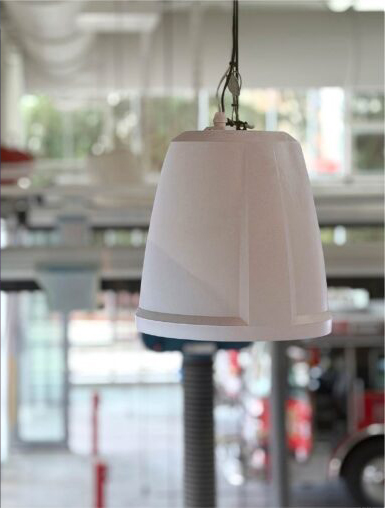
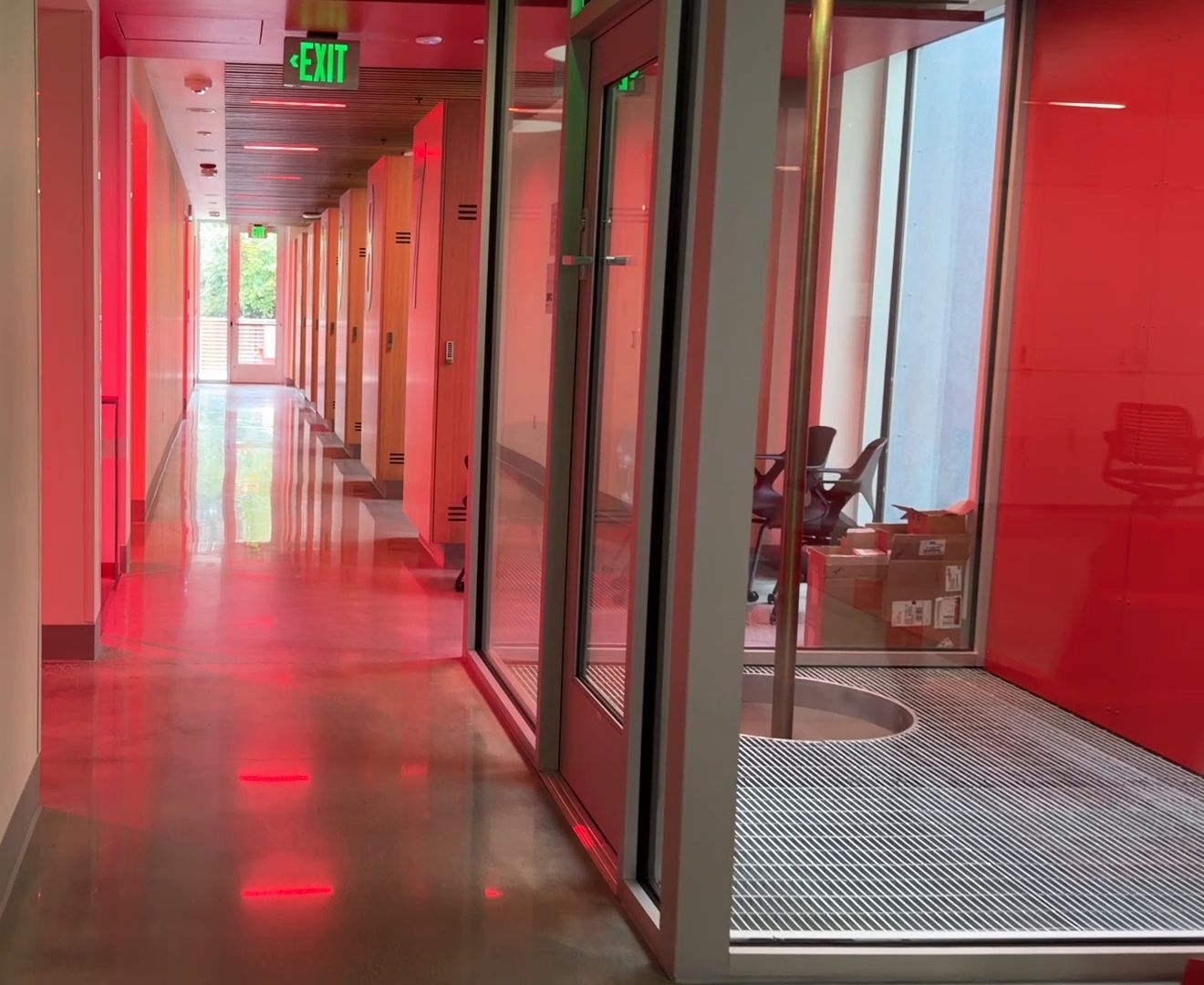
Pathway lighting illuminates, sleep aid audio silences, AV content ducks, the kitchen gas shunt trips, the correct bay door opens, turnout timers start, speakers activate, all in sync. Actions can even be custom programmed to change by time of day.
Departure is logged and the station resets
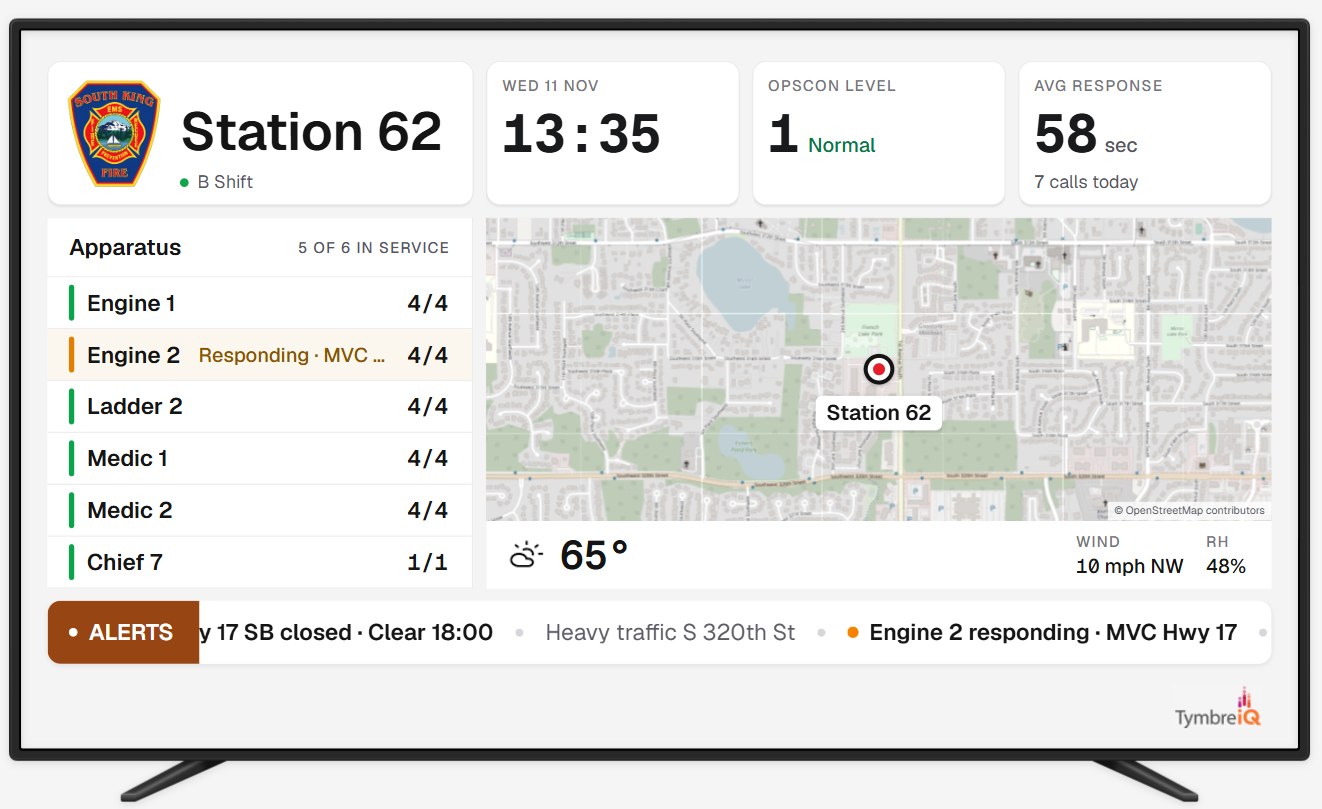
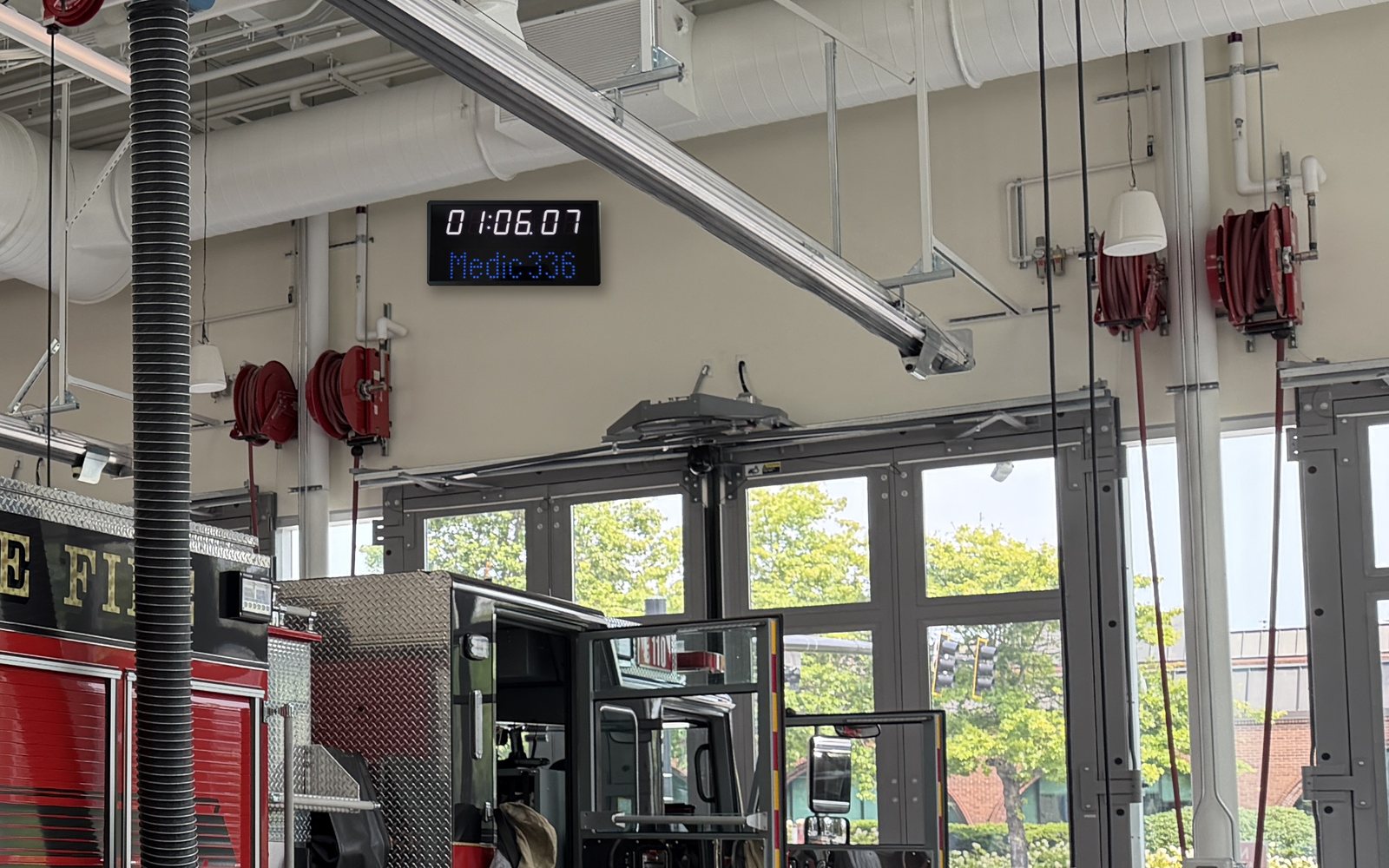
RFID tracking or light-break sensors confirm the apparatus has left, log the time and update CAD. Hallway lights ramp down, turnout time is recorded, and non-dispatched rooms are never disturbed.
Inside a dispatched bunk room
A wake-up designed to minimize physiological shock.
Only bunk rooms assigned to the dispatched apparatus receive any notification. The sequence is gradual by design, and each step can be tuned per room.
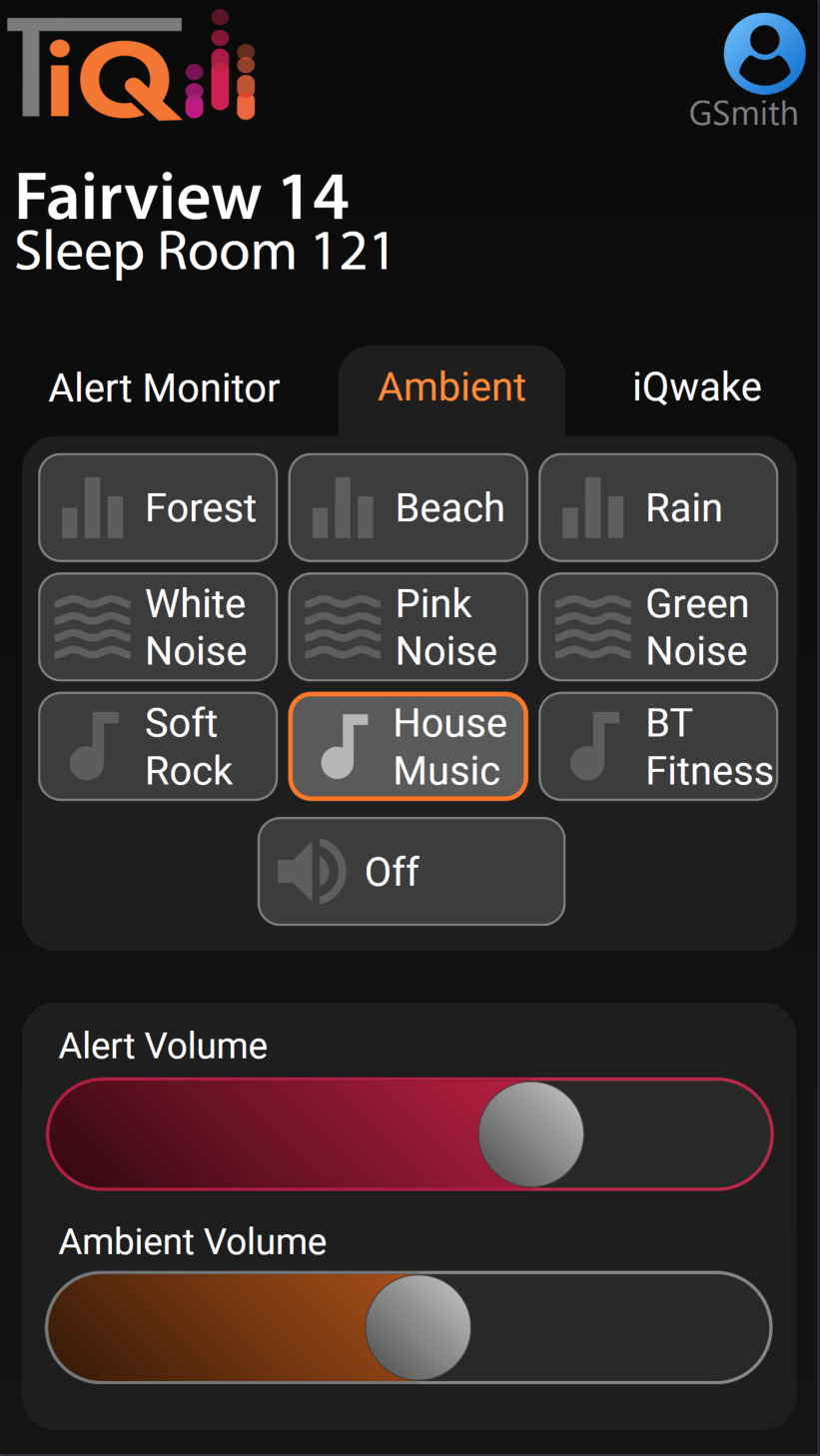
Sleep audio silences
Sound masking and any music stop immediately.
iQwake™ bed vibration
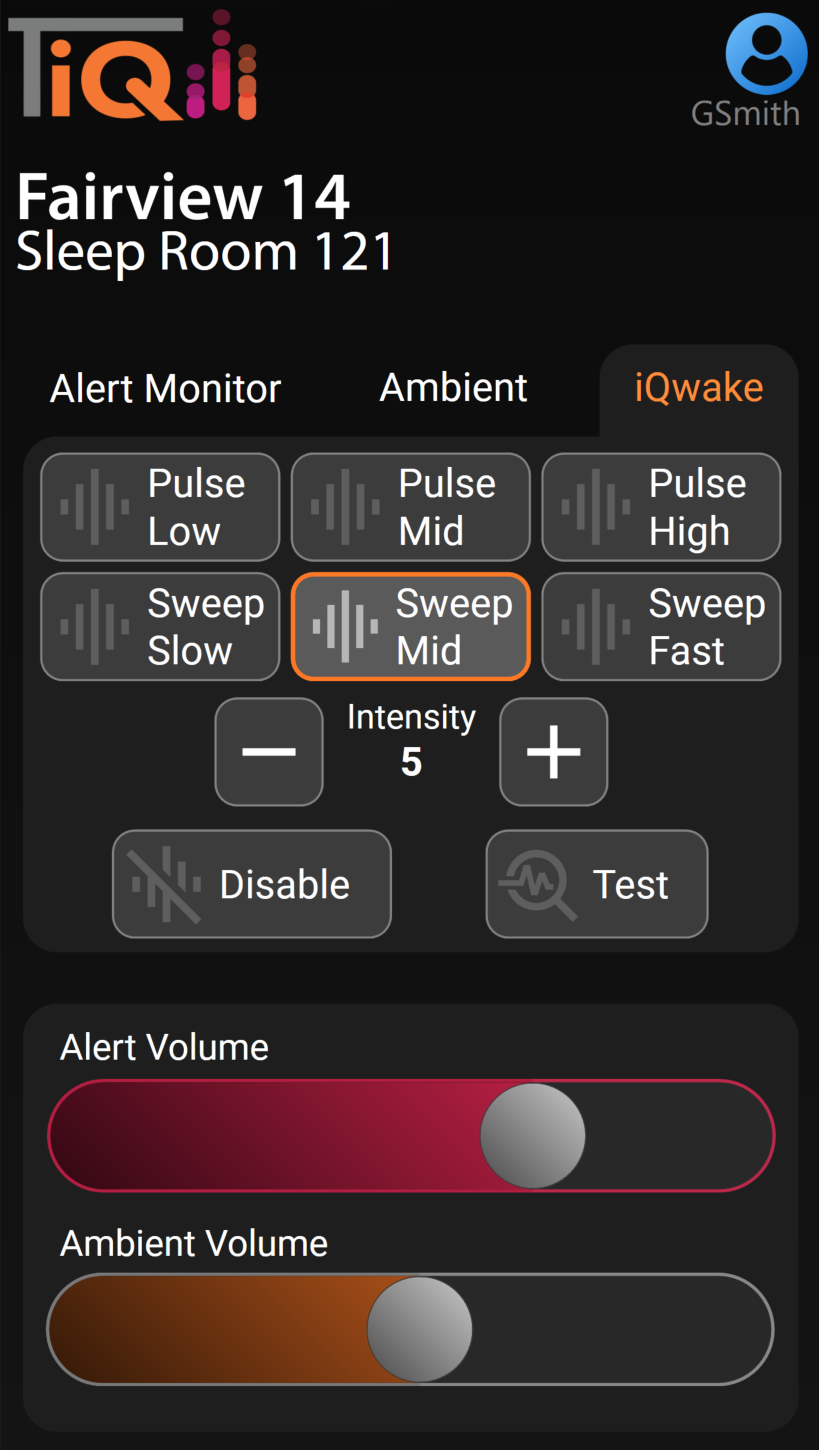
A durable tactile transducer coupled to the bed creates a soft vibration using audio waves, rather than a mechanical vibrator. Pattern and intensity are customized directly on the dorm touchpanel interface.
630nm red light
A dedicated red-spectrum fixture comes up, preserving night vision and reducing the startle of bright white light.
The call on screen
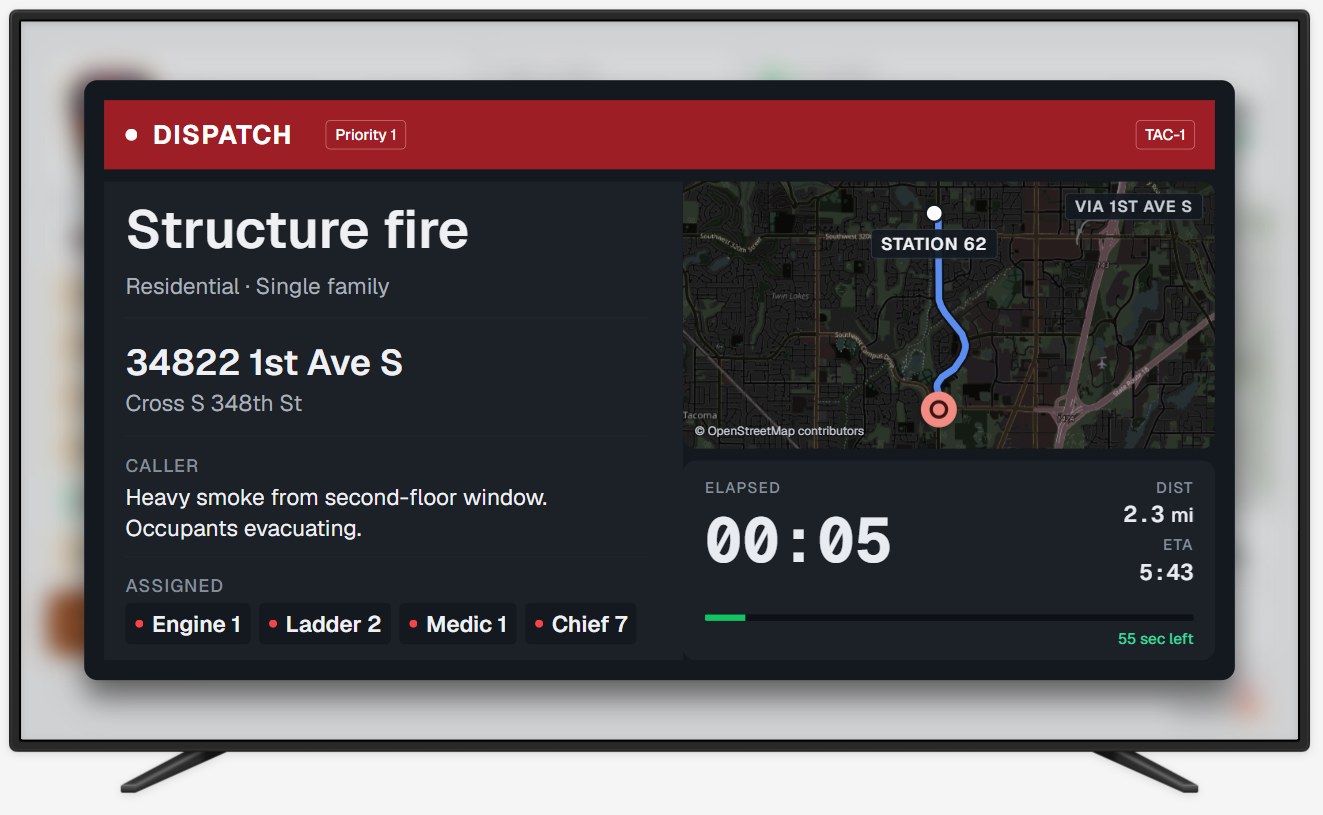
The room's touch panel shows every apparatus dispatched and a live response timer.
Rising audio
The alert tone starts low and builds, instead of hitting maximum volume at once.
Works with what you have
Smarter alerting doesn't mean starting over.
CAD direct
Compatible with dispatch data from all major CAD sources including Motorola, Tyler New World, Hexagon, Versaterm and others.
Alongside existing alerting
Works with station alerting and alert distribution systems such as Locution, Westnet, WiPath and Swissphone. No rip-and-replace required.
New builds and retrofits
Designed into new construction from the architectural phase, or added to existing stations room by room.